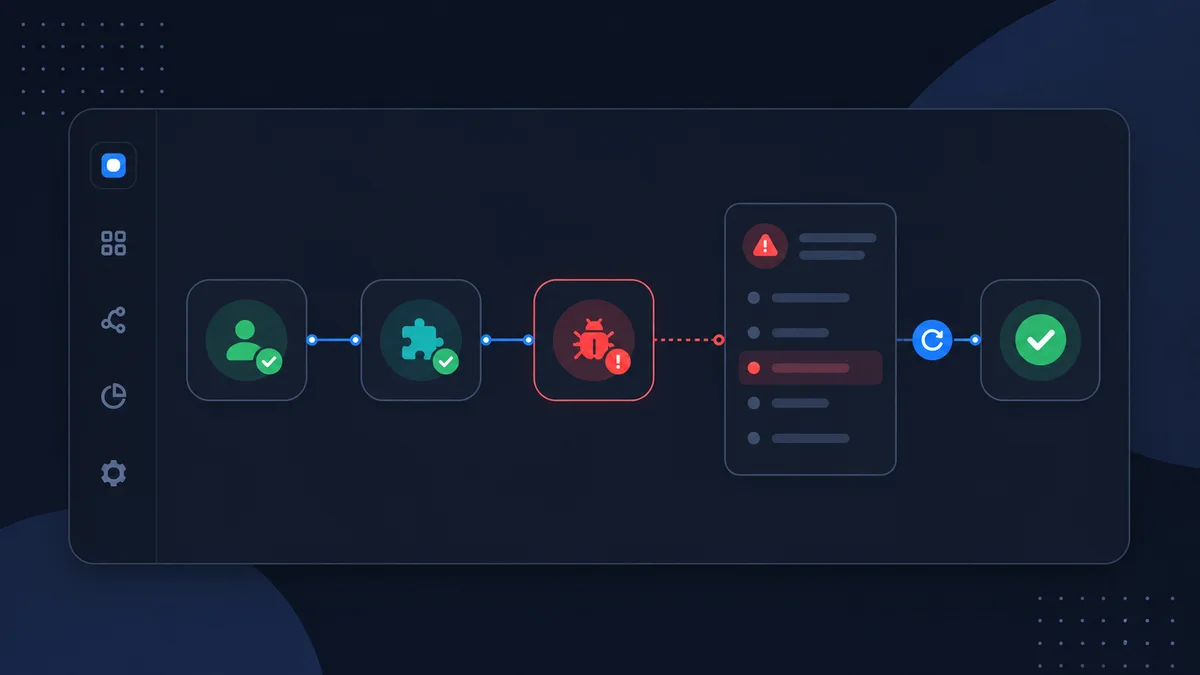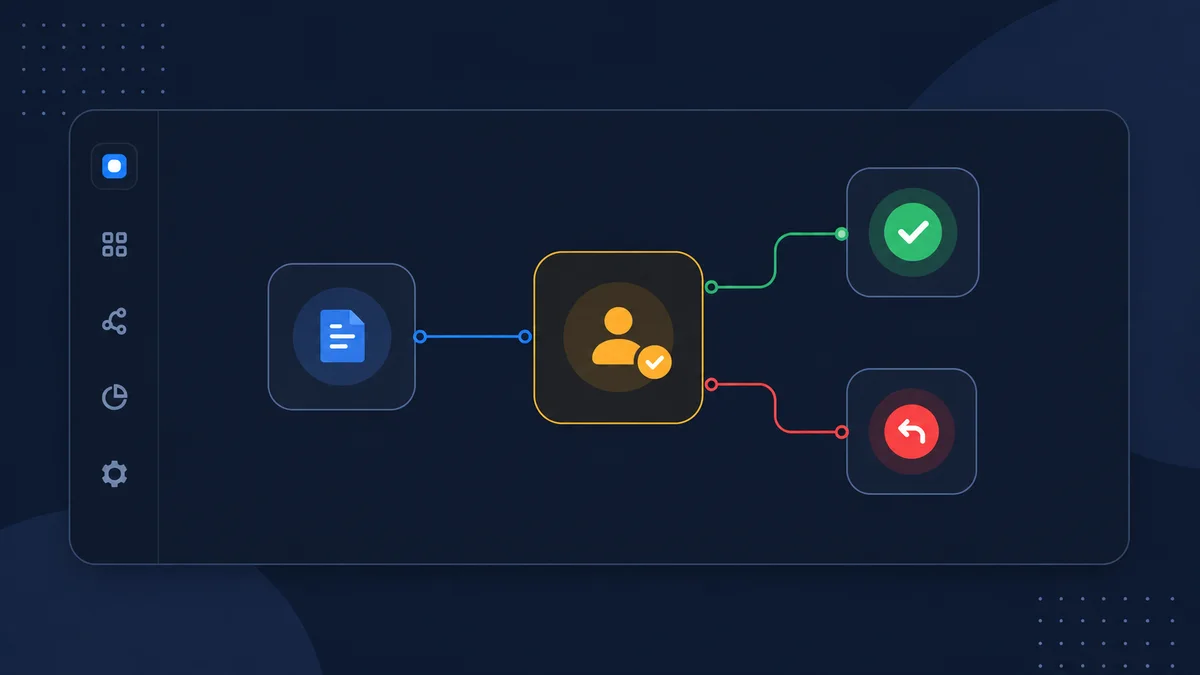
Human approval lets a workflow automate preparation without automatically taking every consequential action. The workflow can collect context, ask an AI agent to prepare a result, and then wait until a reviewer approves or rejects it.
This is useful when content becomes public, a customer may be contacted, production data will change, money may be spent, or the result depends on judgment your team is not ready to delegate completely.
Place approval where risk changes
Do not add approval after every node. Reading a feed, formatting data, or generating an internal draft may not need review. Put approval immediately before the step that changes the risk of the workflow.
Common examples include:
- Before uploading an AI-generated landing page to a web server.
- Before sending an AI-written customer reply.
- Before creating or modifying a production ticket.
- Before importing contacts into a marketing platform.
- Before deleting, purging, or overwriting external data.
- Before an agent recommendation becomes an operational decision.
The nodes before approval should prepare everything the reviewer needs. The nodes after approval should perform the exact action that was reviewed.
Build a reviewable draft path
Consider a workflow that turns a landing-page request and branding payload into upload-ready HTML. Its safe path is:
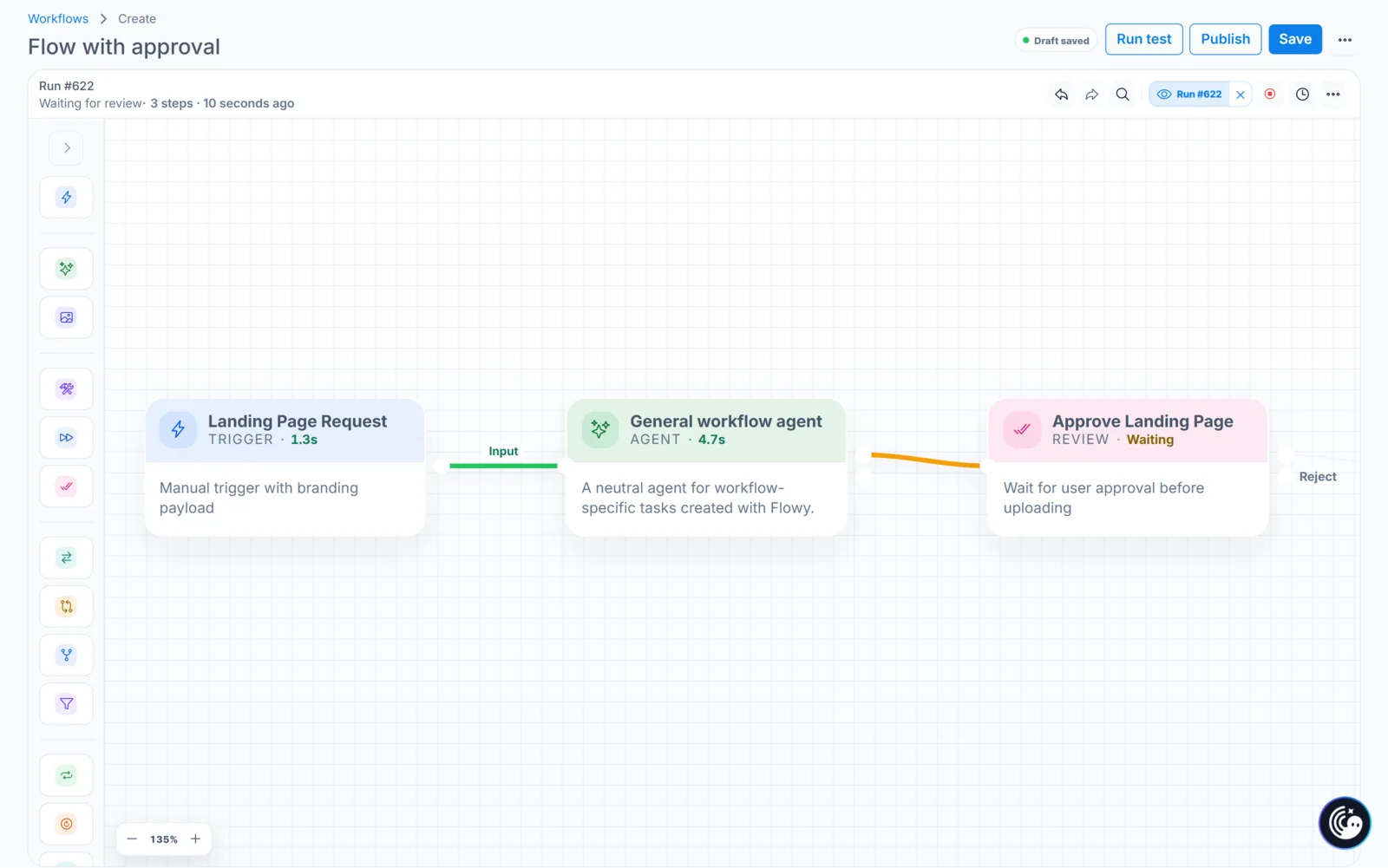
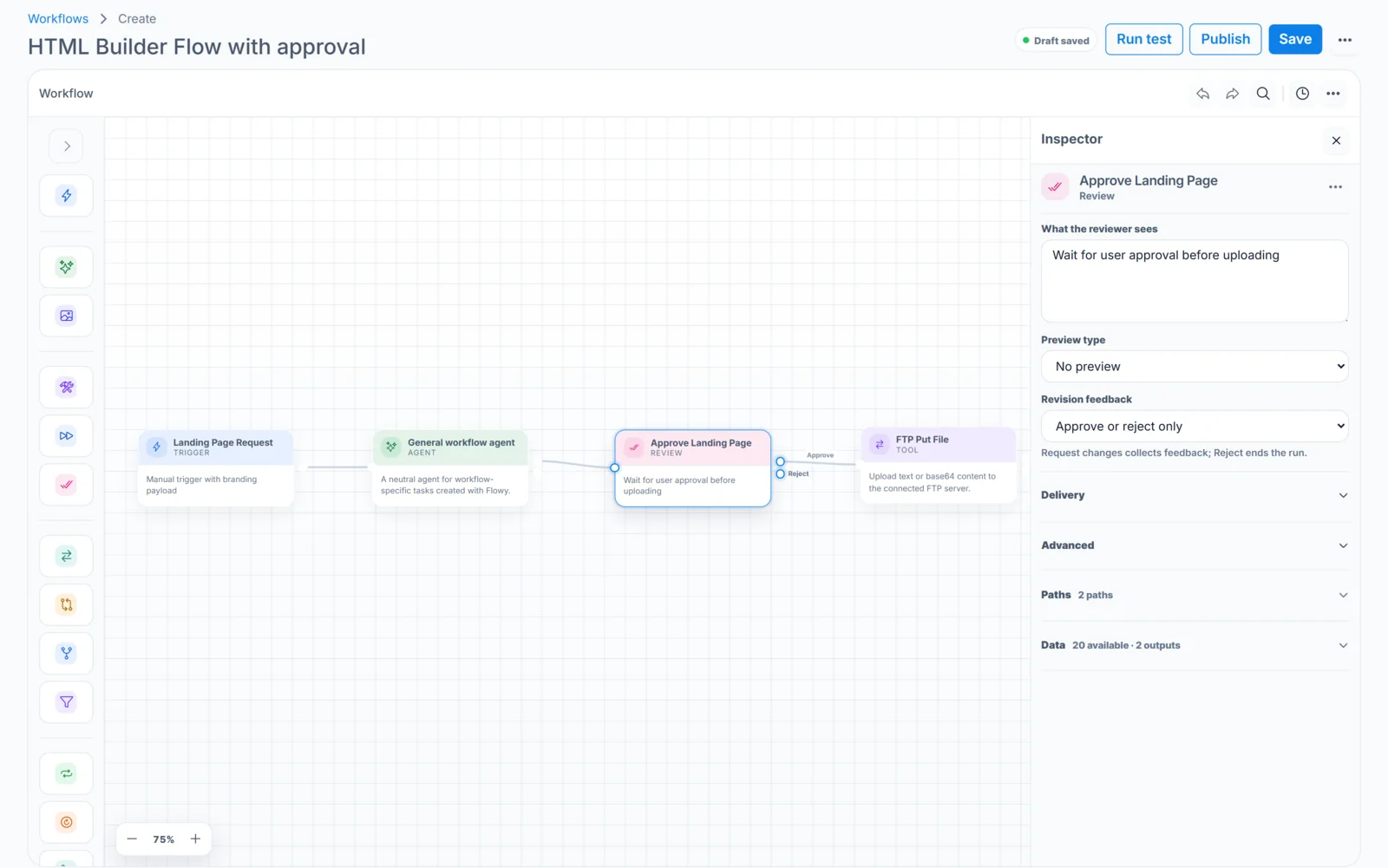
Landing Page Request → AI agent → Approve Landing Page → FTP Put File
The agent should return the generated HTML and the important page details as structured values. The approval step should make it clear that approval uploads that result. The FTP tool should consume the reviewed output rather than asking the agent to generate new content after approval.
This creates an important guarantee: the external action uses the content the reviewer actually saw.
Give the reviewer enough context
A useful approval request should answer four questions without forcing the reviewer to reconstruct the entire run:
- What started this? Show the original request or a concise summary.
- What is being proposed? Show the exact content, values, or action payload that matters.
- Where will it happen? Identify the account, destination, audience, project, or resource.
- What happens after approval? Name the external action clearly.
Do not expose credentials or raw authorization data. Avoid dumping an enormous context object when only a few fields affect the decision. Review speed improves when the request is compact and specific.
Design all decision paths
An approval node is not complete until every possible decision has an intentional outcome.
- Approve: continue to the FTP upload using the reviewed landing-page output.
- Reject: end the run cleanly without uploading a file.
Do not route rejection into the FTP tool. This example uses the simple Approve or reject only setting, so a rejected page should be revised through a new run with a clearer request.
Run and review the approval
Save the workflow and start a manual test with a fictional landing-page brief and branding data. When Approve Landing Page is reached, the run status changes to waiting. Open Approvals or use the approval link from the run.
Check the request, generated page, target filename or path, and the planned FTP upload. For the first test, reject the request and confirm that no file is uploaded. Run it again and approve only after you have verified the generated result and the safe branch.
Verify the action after approval
Approval means “continue,” not “assume success.” Open the run and confirm that FTP Put File completed, then verify the uploaded file on the destination server. If the upload fails, the run should expose that error and follow the configured workflow error behavior.
For early tests, upload to a staging directory or temporary filename instead of replacing a live page. This gives you a second layer of review while the workflow is new.
Avoid approval fatigue
If reviewers receive too many low-risk requests, important approvals become slower and less careful. Use conditions before approval to filter routine cases, group relevant context into one decision, and reserve review for actions that truly require judgment.
Track how long requests wait, why they are rejected, and which fields reviewers repeatedly correct. Those patterns tell you whether the agent instructions, input validation, or workflow routing should improve.
Approval checklist
- Approval appears immediately before the consequential action.
- The reviewer sees the exact values that action will use.
- The destination and impact are clear.
- Approve continues to FTP and reject performs no upload.
- The first destination is a safe staging path or temporary file.
- The first tests prove that rejection performs no write.
- The external result is checked after approval.